From the Pulpit to Instagram in 10 Minutes — Here's My Exact Workflow
Sunday afternoon. Sermon's done. My coffee's getting cold. And I'm staring at a blank Instagram caption box.
I know the feeling. You just poured your heart out for 35 minutes. The message was solid. People were taking notes. And now you're supposed to... what? Turn all that into a social media post?
I used to spend Sunday afternoons re-reading my notes, trying to extract something quotable. Then I'd open Canva, make a graphic, write a caption, second-guess it, delete it, write another one. Two hours later I'd have one post. And I still needed Facebook and Twitter versions.
That changed when I found the Sermon to Social tool inside ShepherdAI. Now my Sunday afternoon workflow takes exactly 10 minutes. Here it is.
The 10-Minute Workflow
Minute 1–2: Open ShepherdAI and Select Sermon to Social
I log into my ShepherdAI dashboard and click on Sermon to Social under the Content tools. The interface asks for my sermon content — I can paste notes, a manuscript, or even a transcript. No formatting required.
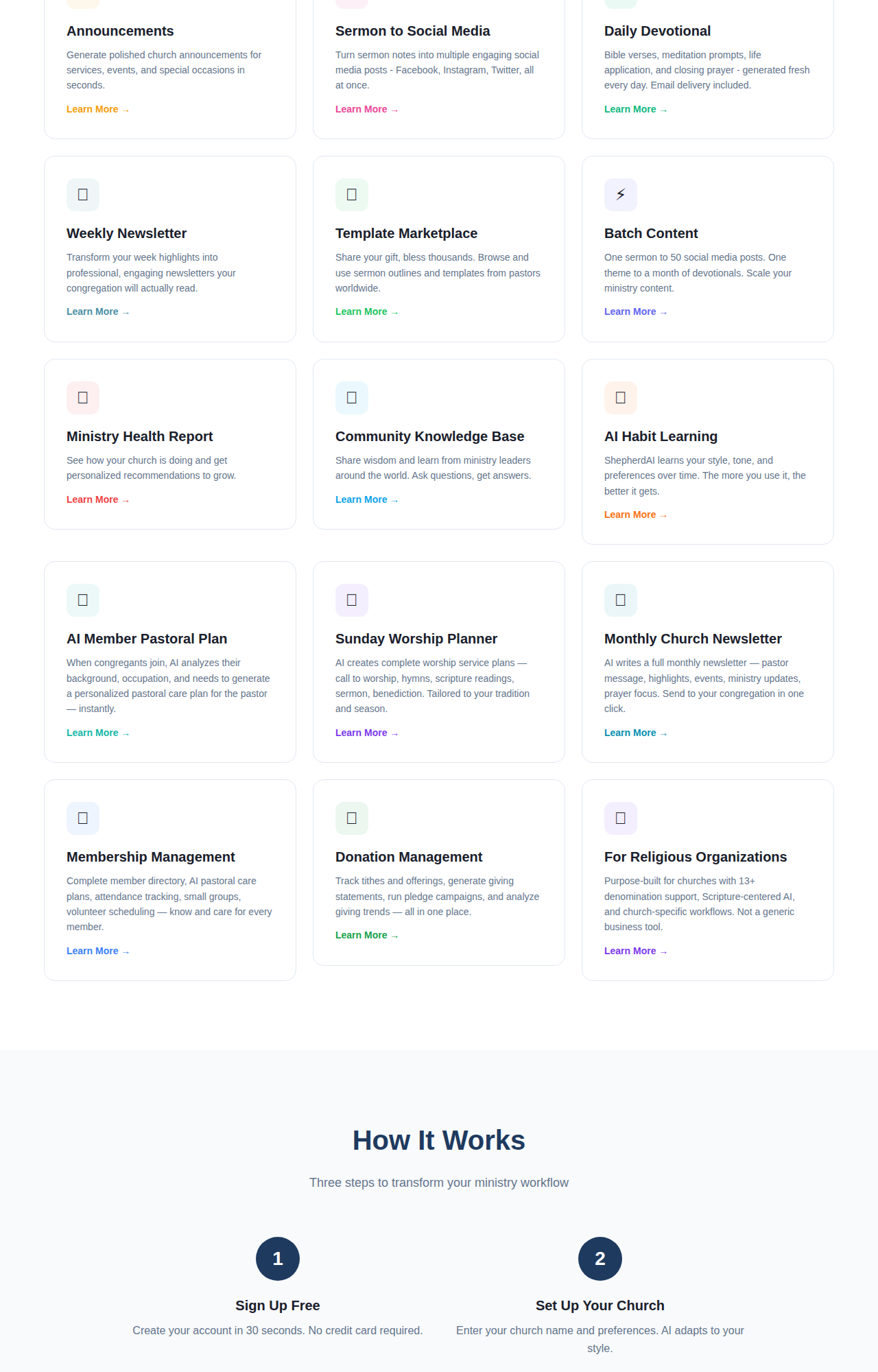
ShepherdAI's feature dashboard — Sermon to Social is one click away.
Minute 3–4: Paste Your Sermon Notes
I don't use the full manuscript. I paste my outline — the big idea, 3 main points, and the closing application. That's it. Here's what I pasted last Sunday:
Text: Psalm 23
Big Idea: The Lord is my Shepherd — not a concept, a relationship
Points: 1) He provides, 2) He guides, 3) He restores
Application: Stop trying to shepherd yourself
Five lines. That's all the AI needs.
Minute 5–7: Review the Generated Posts
In about 15 seconds, the AI generates posts for Instagram, Facebook, and Twitter/X. Each one adapts the same sermon content for the platform:
- Instagram: A short, visual-friendly caption with a Bible verse and reflection question. I add an emoji or two.
- Facebook: A slightly longer version with a personal story hook. Better for discussion.
- Twitter/X: One sharp, quotable line. The kind people retweet.
Here's what it generated from my Psalm 23 sermon:
Instagram: "The Lord is my shepherd — not a concept, but a relationship. 🌿 If you're trying to shepherd your own life today, stop. Let Him lead. Which of these do you need most today: provision, guidance, or restoration? Drop one word below. 👇 #Psalm23 #ShepherdAI"
Twitter: "You weren't designed to shepherd yourself. That's His job. — Psalm 23"
I tweak maybe 2–3 words per post. Most of the time the first draft is 90% there.
Minute 8–9: Generate the Quote Graphic
ShepherdAI also creates a simple text graphic with the key quote from the sermon. I download it, add it to my Instagram post, and schedule it. No Canva. No design skills. No staring at templates.
Minute 10: Schedule and Done
I set the posts to go out over the week — Instagram Monday morning, Facebook Wednesday evening, Twitter Friday afternoon. Then I close my laptop.
The Before and After
| Before | After | |
|---|---|---|
| Time per week | 2 hours | 10 minutes |
| Posts created | 1–2 | 4–5 (scheduled) |
| Consistency | Skip some weeks | Every single week |
| Quality | Felt rushed | Better than my manual writing |
The real win? My sermon doesn't die on Sunday anymore. Someone scrolling Instagram on Tuesday afternoon will see that quote from Psalm 23 and be reminded that God is still shepherding them.
That one post from my sermon reached 340 people last week. I'd never have posted it without this workflow.
This Is Available on the Free Plan
Sermon to Social is included in ShepherdAI's Free plan — no credit card required. You get 20 AI generations per month on the free tier, which is enough to cover 4–5 Sundays.
Here's what you need:
- ShepherdAI account (free at shepherdaitech.com)
- Your sermon notes from Sunday
- 10 minutes
Try this next Sunday: After your sermon, open ShepherdAI, paste your notes, and see what it generates. You'll be surprised how good the first draft is. Spend 10 minutes editing and scheduling. Then go enjoy your Sunday afternoon.
Try ShepherdAI Free — 20 Generations/Month
Generate devotionals, sermon outlines, visitor follow-up emails, and more — all personalized to your church.
✓ No credit card required ✓ 20 free AI generations every month ✓ Setup in 60 seconds
More from the Blog
Top 5 Ways AI Improves Church Visitor Follow-Up
Discover how AI can transform your church visitor follow-up process. Learn 5 practical ways to engage newcomers with ShepherdAI.
August 24, 2026ShepherdAI vs Planning Center: An Honest Review for Modern Churches
We compared ShepherdAI and Planning Center for church management. Here's what we found and why ShepherdAI might be the better fit.