I Can't Design to Save My Life — Here's How I Make Beautiful Church Announcements in 60 Seconds
I'm a pastor who, if left to my own devices, would handwrite announcements on a whiteboard and take a blurry photo.
I can preach a sermon. I can counsel a couple. I can lead a board meeting. But ask me to design an announcement for the fall retreat, and I freeze. The fonts don't match. The colors clash. The spacing looks like a ransom note.
Our church has a women's retreat coming up. Three months out, I knew I needed to get the word out. Posters on the bulletin board. A slide before service. A social media post. But every time I opened Canva, I spent 45 minutes and ended up with something I still didn't want to share.
Then I found the Announcement Generator in ShepherdAI. It's a free tool — no sign-up required — and it changed everything.
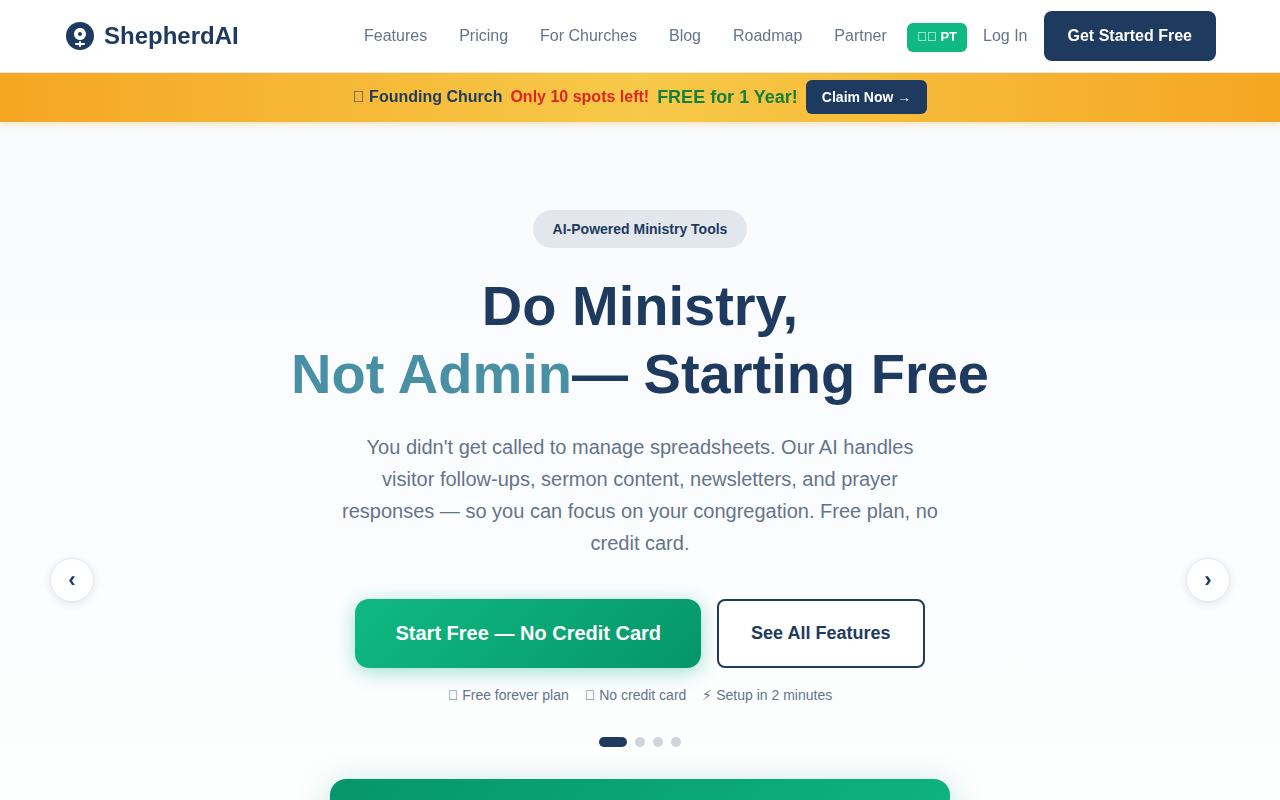
The Announcement Generator is listed right there under Free Tools — no credit card needed.
My Exact Workflow (6 Minutes Flat)
Step 1: Open the Announcement Generator (30 seconds)
I went to ShepherdAI's homepage and clicked Announcement Generator under the Free Tools section. It's one of those tools you can use up to 3 times a day without even creating an account. I like that — I can test-drive it before committing.
Step 2: Fill in the details (2 minutes)
The form asked me for four things:
- Event name — Women's Fall Retreat
- Date & time — October 18-20, begins Friday at 6 PM
- Location — Pine Valley Campground
- Optional details — Speaker, worship leader, registration deadline, cost
That's it. I didn't pick a template. I didn't choose colors. I just typed what I knew.
Step 3: AI generates the text (10 seconds)
I hit the button, and within seconds the AI produced a complete announcement in my church's tone. It wrote a title, a compelling body with bullet points, and a clear call to action. The language sounded like me — not a generic robot. It referenced Scripture naturally and included a warm invitation.
Here's what it generated for the Women's Retreat:
You're Invited: Women's Fall Retreat
Ladies, it's time to pause. Three days at Pine Valley to rest, reconnect, and refocus on what matters most. Speaker: Sarah Johnson. Worship led by The Way Band.
📅 Oct 18-20
📍 Pine Valley Campground
💰 $75 (includes meals & lodging)
⏰ Registration closes Oct 5
"Come to me, all you who are weary and burdened, and I will give you rest." — Matthew 11:28
👉 Register at shepherdaitech.com/retreat
Step 4: Customize (3 minutes)
I changed the opening line — made it warmer, added a personal memory about the first retreat I attended. That's the key: the AI gives you 80%, you bring the 20% that makes it yours. I swapped one Scripture reference for a verse that meant more to our women's ministry.
Total time editing: 3 minutes.
Step 5: Export and share (30 seconds)
I copied the text and pasted it into three places:
- 📋 Bulletin insert — formatted with simple headings
- 📱 WhatsApp group — the women's ministry chat
- 📸 Social media — I used the text as a caption with a stock nature photo
From start to finish: 6 minutes.
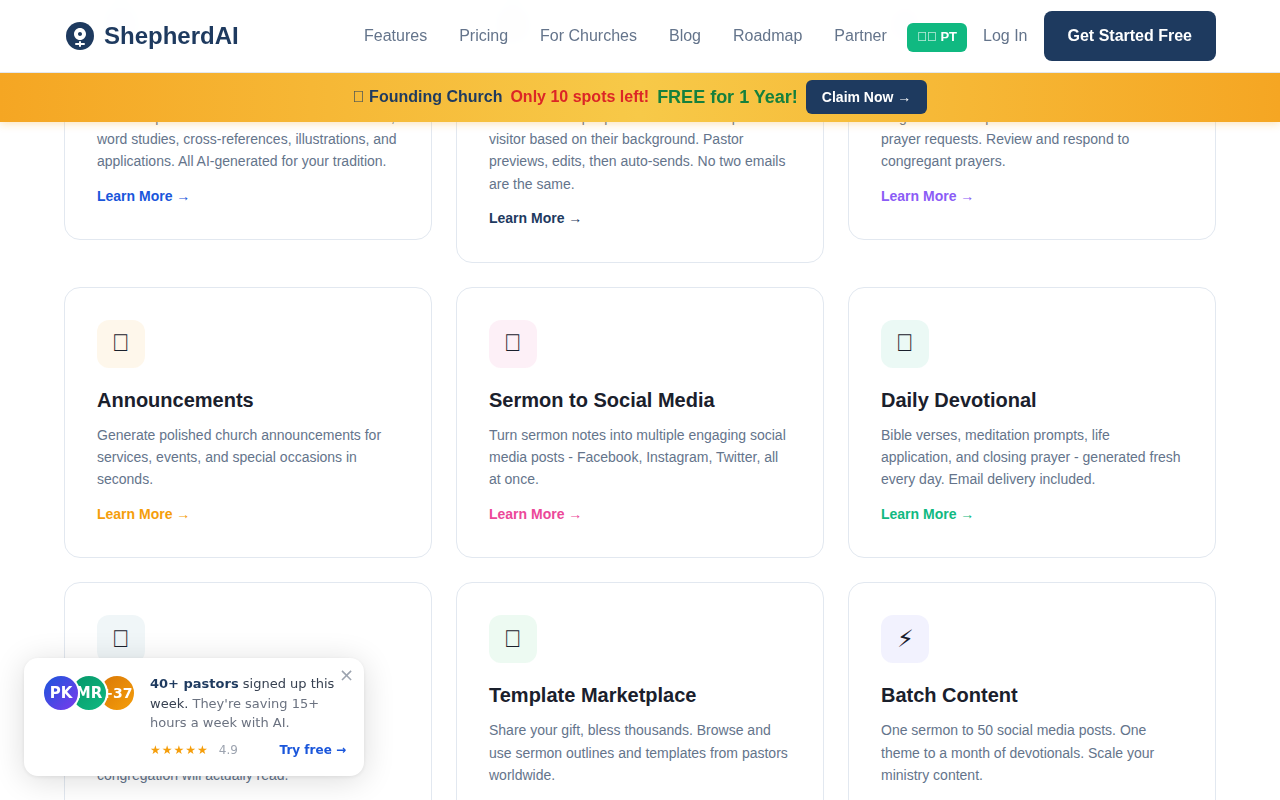
The Announcements feature — part of ShepherdAI's suite of free church tools.
Before vs After: The Real Difference
Before this tool: I'd spend 40 minutes in Canva, my announcements would look mediocre, and I'd post them last-minute — sometimes the night before an event. A few people would see them. Most wouldn't.
After: I made the announcement on a Tuesday morning. By Wednesday, four women had already signed up. The registration link was shared in two different WhatsApp groups without me asking. The content was clear and compelling enough that people wanted to forward it.
Here's the thing I realized: announcements don't need to look amazing. They need to read amazing.
Good design helps. But great copy with a clear ask will always outperform a pretty poster with confusing text. The AI writer ensured my announcement had flow, urgency, and warmth — things I couldn't produce from scratch when I was staring at a blank screen.
What I Use the Announcement Generator For
Since discovering this tool, I've used it for:
- 🗓️ Weekly service announcements — baptism, new member class, potluck
- 🎄 Seasonal events — Christmas Eve service, Easter sunrise, VBS
- 📢 Urgent updates — weather cancellations, schedule changes, prayer needs
- 🙏 Prayer event invites — 24-hour prayer chain, prayer meeting
Each one takes less than 10 minutes. Before, I'd skip half of these because the writing-and-design combo felt overwhelming. Now I do all of them. My church is better informed, and I'm less stressed.
Why This Works for a Pastor Like Me
The ShepherdAI Announcement Generator is free. It's on the homepage. No account needed to try it.
But more than that — it understands church language. Most AI tools are trained on business writing. They sound like a marketing team. ShepherdAI is trained on church communication. It knows when to include a Bible verse, how to write a warm invitation, and when to keep it short.
If you're a pastor who, like me, has ever stared at a blank design canvas and felt completely lost — this tool is for you. You don't need Canva skills. You don't need a design team. You just need to know what your event is and when it happens.
Try the Announcement Generator free at shepherdaitech.com — no credit card, no design skills required. Your congregation will thank you.
Try ShepherdAI Free — 20 Generations/Month
Generate devotionals, sermon outlines, visitor follow-up emails, and more — all personalized to your church.
✓ No credit card required ✓ 20 free AI generations every month ✓ Setup in 60 seconds
More from the Blog
Top 5 Ways AI Improves Church Visitor Follow-Up
Discover how AI can transform your church visitor follow-up process. Learn 5 practical ways to engage newcomers with ShepherdAI.
August 24, 2026ShepherdAI vs Planning Center: An Honest Review for Modern Churches
We compared ShepherdAI and Planning Center for church management. Here's what we found and why ShepherdAI might be the better fit.